
Engine
There are 1,763 posts filed in Engine (this is page 4 of 177).
Luanti 5.15.0 released!
Release candidate: Godot 4.5.2 RC 1
Our next feature release, Godot 4.6, is just around the corner, but we also wanted to take the time to publish a maintenance update for Godot 4.5. There have been a lot of fixes made during 4.6 development that could be backported to the previous branch, and should help solve a number of issues that users have been running into in production.
So we’re preparing Godot 4.5.2, and this release candidate aims at validating the changes before we publish this new version as a recommended upgrade for Godot 4.5.x users.
This release backports important fixes on the rendering and platform porting areas, notably:
- Thanks to work done by the Android maintainers in Godot 4.5, we’ve been providing debug symbols for the Android export templates, which users can upload to Google Play to symbolicate their crash logs. This has enabled developers of games such as Rift Riff, Kamaeru, and Spooky Express to share detailed stack traces about crashes that some players run into on their games. These developers also assisted the rendering maintainers in debugging the issues, and so Skyth could write fixes for most issues found, which are available in this release candidate.
- If you have a game published on Google Play using Vulkan Mobile, we strongly recommend upgrading to 4.5.2.rc1 or later, as this should resolve a lot of crash reports that your game might have.
- Still on the rendering side, we’ve backported a number of Direct3D 12 bug fixes and performance improvements, notably to reduce initial shader compilation time and get it closer to what we have with Vulkan. While Godot 4.6 has even more fixes and new features, enabling it to make Direct3D 12 the default driver on Windows, for 4.5.2 it remains opt-in, but these fixes should improve the experience for developers who choose to target this API.
- And finally, again on rendering, iOS exports using Metal (Forward+ or Mobile rendering methods) will now default to restrict support to A12 devices or newer. This means excluding some older iPads which technically support Metal but struggle to run Godot games properly. You can toggle this option in the export preset, this is just a change of its default state based on your rendering method.
Please consider supporting the project financially, if you are able. Godot is maintained by the efforts of volunteers and a small team of paid contributors. Your donations go towards sponsoring their work and ensuring they can dedicate their undivided attention to the needs of the project.
Jump to the Downloads section, and give it a spin right now, or continue reading to learn more about improvements in this release. You can also try the Web editor for this release.
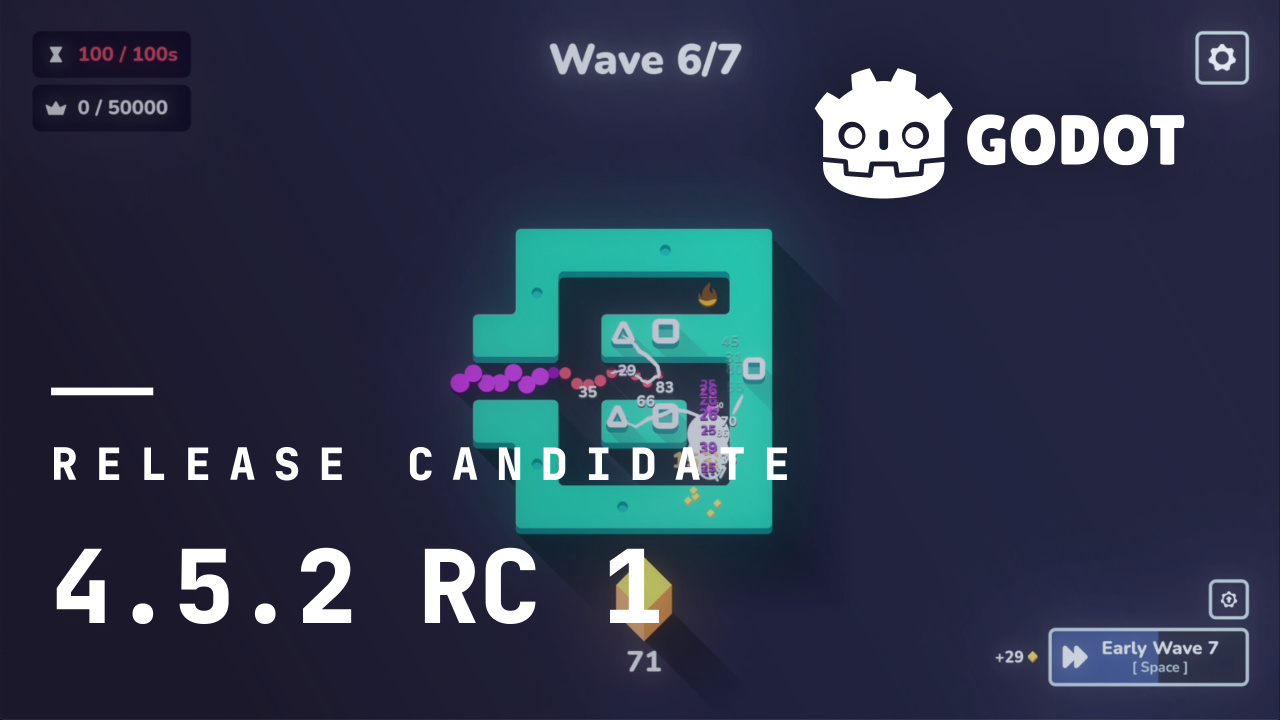
The illustration picture for this article comes from Outhold, a short, strategic incremental game that blends tower defense with a deep meta-progression. You can buy the game or try out the demo on Steam, and follow the developers on their Discord.
What’s new
101 contributors submitted 200 improvements for this release. See our interactive changelog for the complete list of changes since the 4.5.1-stable release.
- 2D: Check for tiles outside texture on TileSet atlas settings changes (GH-112271).
- 3D: Don’t redraw
Sprite3D/AnimatedSprite3Doutside the tree (GH-112593). - Animation: Separate branching ping-pong time and delta (GH-112047).
- Audio: Fix AudioStreamPolyphonic to honor
AudioStreamPlayer.pitch_scale(GH-110525). - Audio: Check if on tree before calling
can_process()(GH-114966). - C#: Fix dotnet class lookup returning modified names instead of engine names (GH-112023).
- C#: Ensure .NET editor supports Visual Studio 2026 (GH-112961).
- Core: Fix
load_threaded_getreturningnullwhen used withCACHE_MODE_IGNORE(GH-111387). - Core: Improve determinism of UIDs (GH-111858).
- Core: Fix duplicating node references of custom node type properties (GH-112076).
- Editor: Visual Shader: Fix nodes’ relative positions changed in a different display scale (GH-97620).
- Editor: Fix editing resources in the inspector when inside an array or dictionary (GH-106099).
- Editor: Fix switch to GameView when closing game window (GH-111811).
- Editor: EditorRun: Load
override.cfgto get window configuration for embedded mode (GH-111847). - Editor: Add donate button to project manager (GH-111969).
- Editor: Fix file duplication making random UID (GH-112015).
- Export: Disable shader baker when exporting as dedicated server (GH-112361).
- Export: iOS: Automatically enable
iphone-ipad-minimum-performance-a12if project is using Forward+/Mobile renderer (GH-114098). - Export: Fix Android export with multiple architectures failing when GDExtension includes native dependencies (GH-114483).
- GDExtension: iOS: Fix loading of xcframework dynamic libraries (GH-112784).
- GDScript: LSP: Fix goto native declaration (GH-111478).
- GUI: Fix update order for
exclusivechild window (GH-94488). - GUI: FoldableContainer: Override has_point to use title rect when folded (GH-110847).
- GUI: Fix IME input in multiple windows at once (GH-111865).
- Particles: Fix CPUParticle3D not randomizing (GH-112514).
- Platforms: Android: Add support for Android XR devices to the Godot XR Editor (GH-112776).
- Platforms: Android: Fix ANRs when shutting down the engine due to the render thread (GH-114207).
- Platforms: Android: Trigger save of the RD pipeline cache on application pause (GH-114463).
- Platforms: macOS: Fix ~500ms hang on transparent OpenGL window creation on macOS 26 (GH-111657).
- Platforms: macOS: Fix microphone issue (GH-111691).
- Platforms: macOS: Disable window embedding code in export templates (GH-113966).
- Platforms: Linux: Add SSE4.2 support runtime check (GH-112279).
- Platforms: Linux/X11: Fix input delay regression (GH-113537).
- Platforms: Windows: Fix EnumDevices stall using IAT hooks (GH-113013).
- Rendering: Round values after renormalization when generating mipmaps (GH-111841).
- Rendering: Use AABB center instead of origin for visibility fade (GH-113486).
- Rendering: D3D12: Fix not checking for fullscreen clear region correctly (GH-111321).
- Rendering: D3D12: Fix specialization constant patching (GH-111356).
- Rendering: D3D12: Greatly reduce shader conversion time & fix spec constant bitmasking (GH-111762).
- Rendering: OpenGL: Add all PowerVR devices to the transform feedback shader cache ban list (GH-111329).
- Rendering: OpenGL: Use
GL_FRAMEBUFFERinstead ofGL_DRAW_FRAMEBUFFERwhen doing final blit to the screen framebuffer to work around OBS bug (GH-111834). - Rendering: Vulkan: Create new pools when they become fragmented (GH-114313).
- Rendering: Vulkan: Implement workaround for GPU driver crash on Adreno 5XX (GH-114416).
- Rendering: Vulkan: Create separate graphics queue instead of reusing the main queue when transfer queue family is unsupported (GH-114476).
- Shaders: Fix VisualShader conversion failing with subresources (GH-109375).
- Thirdparty: libpng: Update to 1.6.53 (GH-113961).
- Thirdparty: mbedTLS: Update to version 3.6.5 (GH-111845).
- Thirdparty: pcre2: Update to 10.46 (GH-114766).
This release is built from commit f782f6ad0.
Downloads

Godot is downloading…
Godot exists thanks to donations from people like you. Help us continue our work:

Standard build includes support for GDScript and GDExtension.
.NET build (marked as mono) includes support for C#, as well as GDScript and GDExtension.
While engine maintainers try their best to ensure that each preview snapshot and release candidate is stable, this is by definition a pre-release piece of software. Be sure to make frequent backups, or use a version control system such as Git, to preserve your projects in case of corruption or data loss.
Known issues
During the Release Candidate stage, we focus exclusively on solving showstopping regressions (i.e. something that worked in a previous release is now broken, without workaround).
With every release we accept that there are going to be various issues, which have already been reported but haven’t been fixed yet. See the GitHub issue tracker for a complete list of known bugs.
- A minor issue crept up in this RC, which causes this warning to be shown several times when opening projects in the editor: “Property not found: ‘application/config/disable_project_settings_override’.” This warning is harmless and has already been fixed for the stable release.
Bug reports
As a tester, we encourage you to open bug reports if you experience issues with this release. Please check the existing issues on GitHub first, using the search function with relevant keywords, to ensure that the bug you experience is not already known.
In particular, any change that would cause a regression in your projects is very important to report (e.g. if something that worked fine in previous 4.x releases, but no longer works in this snapshot).
Support
Godot is a non-profit, open source game engine developed by hundreds of contributors on their free time, as well as a handful of part and full-time developers hired thanks to generous donations from the Godot community. A big thank you to everyone who has contributed their time or their financial support to the project!
If you’d like to support the project financially and help us secure our future hires, you can do so using the Godot Development Fund.
GemRB mods now listed in the comprehensive mod list of Couronne de Cuivre
Luanti 5.15.0 released!
jMonkeyEngine: v3.9.0-stable
Release candidate: Godot 4.6 RC 2
Last Wednesday saw the release of our first Release Candidate build of Godot 4.6. As a reminder, we release RC builds once we think the engine has stabilized and is ready for release. It is your last chance to report critical regressions before we release the stable version.
Today, we’re excited to produce our second snapshot, which addresses the handful of critical regressions that cropped up in testing since then. Unless reports of any show-stopping regressions come from the changes made in RC 1 or RC 2, a stable release is just around the corner.
Please consider supporting the project financially, if you are able. Godot is maintained by the efforts of volunteers and a small team of paid contributors. Your donations go towards sponsoring their work and ensuring they can dedicate their undivided attention to the needs of the project.
Jump to the Downloads section, and give it a spin right now, or continue reading to learn more about improvements in this release. You can also try the Web editor, the XR editor, or the Android editor for this release. If you are interested in the latter, please request to join our testing group to get access to pre-release builds.
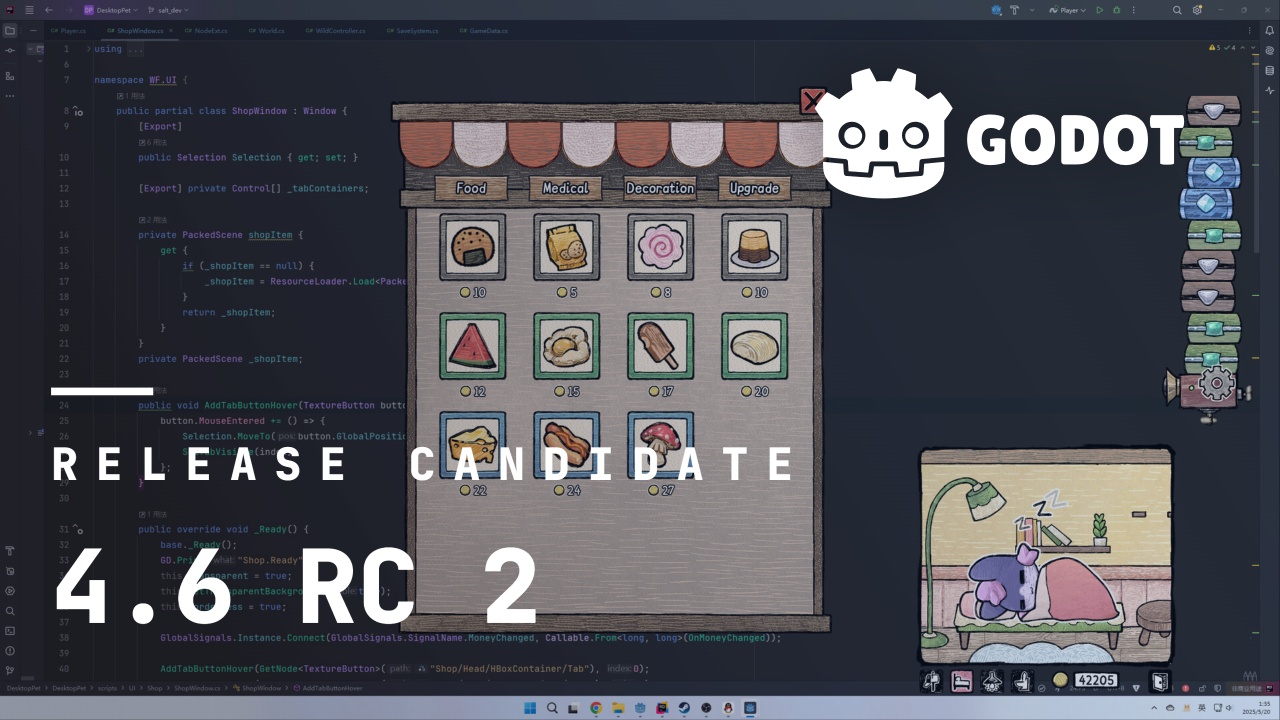
The cover illustration is from Eggo, a creature-collecting life simulator, where your very own scrungly companion is raised as a baby, gets married, hunts for treasure, and more on your desktop. You can buy the game on Steam, and follow the developer on Twitter.
Highlights
We covered the most important highlights from Godot 4.6 in the previous 4.6 beta 1 blog post, so if you haven’t read that one, have a look to be introduced to the main new features added in the 4.6 release.
Especially if you’re testing 4.6 for the first time, you’ll want to get a condensed overview of what new features you might want to make use of.
This section covers the most relevant changes made since the RC 1 snapshot, which are largely regression fixes:
- Core: Don’t strip data in
ClassDB::class_get_method_list(GH-114893). - Editor: Fix TileMap Dock button placement and errors (GH-113594).
- Editor: Fix viewport rotation gizmo aligned axis reversing (GH-101209).
- GUI: Remove clip ignore from Tree background (GH-115074).
- Platforms: Android: Fix XR build regression when vendor plugin overrides the same feature (GH-115148).
- Platforms: macOS: Process system events during boot splash wait time (GH-115118).
- Platforms: Wayland: Allow non-interactive window resizing (GH-114082).
- Rendering: Do not store SPIR-V in memory unless pipeline statistics are used (GH-115049).
- XR: Allow setting a specific version of OpenXR to initialize (GH-115022).
Changelog
As we’ve tightened our policy on what kind of changes can be merged leading to the Release Candidate stage, there aren’t a lot of changes in this snapshot. 19 contributors submitted 37 fixes for this release. See our interactive changelog for the complete list of changes since 4.6 RC 1. You can also review all changes included in 4.6 compared to the previous 4.5 feature release.
This release is built from commit 78c6632eb.
Downloads
Godot is downloading…
Godot exists thanks to donations from people like you. Help us continue our work:
Standard build includes support for GDScript and GDExtension.
.NET build (marked as mono) includes support for C#, as well as GDScript and GDExtension.
While engine maintainers try their best to ensure that each preview snapshot and release candidate is stable, this is by definition a pre-release piece of software. Be sure to make frequent backups, or use a version control system such as Git, to preserve your projects in case of corruption or data loss.
Known issues
During the Release Candidate stage, we focus exclusively on solving showstopping regressions (i.e. something that worked in a previous release is now broken, without workaround). You can have a look at our current list of regressions and significant issues which we aim to address before releasing 4.6. This list is dynamic and will be updated if we discover new showstopping issues after more users start testing the RC snapshots.
With every release, we accept that there are going to be various issues which have already been reported but haven’t been fixed yet. See the GitHub issue tracker for a complete list of known bugs.
Bug reports
As a tester, we encourage you to open bug reports if you experience issues with this release. Please check the existing issues on GitHub first, using the search function with relevant keywords, to ensure that the bug you experience is not already known.
In particular, any change that would cause a regression in your projects is very important to report (e.g. if something that worked fine in previous 4.x releases, but no longer works in this snapshot).
Support
Godot is a non-profit, open source game engine developed by hundreds of contributors on their free time, as well as a handful of part or full-time developers hired thanks to generous donations from the Godot community. A big thank you to everyone who has contributed their time or their financial support to the project!
If you’d like to support the project financially and help us secure our future hires, you can do so using the Godot Development Fund platform managed by Godot Foundation. There are also several alternative ways to donate which you may find more suitable.
Castle Game Engine: Engine downloads with “bundled FPC” for all platforms, castle-build-ci to easily use CI with our engine, Woodpecker (Codeberg) CI examples and impressions
Release candidate: Godot 4.6 RC 1
At last, Godot 4.6 arrives at the Release Candidate stage. All of our planned features are in place, and the most critical regressions have been resolved, so we can confidently say our product is ready for production use. A new editor theme, inverse kinematics, standalone library support, and more await in this feature-packed update!
With that said, this comes with the same caveat that all of our release candidate builds come with: we can only truly ratify this claim through extensive testing by the community. So while Godot 4.6 is now suitable for testing on existing projects, we’re eager to hear how it fares and whether any new major issues have gone unnoticed until now. As always: making a copy/backup before upgrading is strongly recommended, ideally with version control!
Please consider supporting the project financially, if you are able. Godot is maintained by the efforts of volunteers and a small team of paid contributors. Your donations go towards sponsoring their work and ensuring they can dedicate their undivided attention to the needs of the project.
Jump to the Downloads section, and give it a spin right now, or continue reading to learn more about improvements in this release. You can also try the Web editor, the XR editor, or the Android editor for this release. If you are interested in the latter, please request to join our testing group to get access to pre-release builds.
The cover illustration is from Vital Shell, a science-fantasy top-down arena shooter, boasting PSX-style graphics and an ambient jungle OST, where you take control of classic fantasy archetypes through the lens of a mech. You can buy the game on Steam, and follow the developer on Twitter.
Highlights
We covered the most important highlights from Godot 4.6 in the previous 4.6 beta 1 blog post, so if you haven’t read that one, have a look to be introduced to the main new features added in the 4.6 release.
Especially if you’re testing 4.6 for the first time, you’ll want to get a condensed overview of what new features you might want to make use of.
This section covers the most relevant changes made since the beta 3 snapshot, which are largely regression fixes:
- Animation: Fix Skeleton3D edit mode usability issues (GH-114752).
- Core: Auto-release static GDTypes at exit (GH-114790).
- GDScript: Don’t clean up other scripts (GH-114801).
- GUI: Automatically Resample CanvasItems in Scene Editor (GH-114200).
- Import: Fix importing projects with PNG assets freezes Web Editor (GH-114410).
- Network: Make HTTPRequest 301 and 302 Redirects Standards-Compliant (GH-91199).
- Network: Normalize IP parsing, fix IPv6, tests (GH-114827).
- Platforms: Android: Fix ANRs when shutting down the engine due to the render thread (GH-114207).
- Rendering: Fix MSAA crashing Mali GPUs when using subpasses (GH-114785).
Changelog
As we’ve tightened our policy on what kind of changes can be merged leading to the release candidate stage, there aren’t a lot of changes in this snapshot. 48 contributors submitted 100 fixes for this release. See our interactive changelog for the complete list of changes since 4.6-beta3. You can also review all changes included in 4.6 compared to the previous 4.5 feature release.
This release is built from commit 481f36ed2.
Downloads
Godot is downloading…
Godot exists thanks to donations from people like you. Help us continue our work:
Standard build includes support for GDScript and GDExtension.
.NET build (marked as mono) includes support for C#, as well as GDScript and GDExtension.
While engine maintainers try their best to ensure that each preview snapshot and release candidate is stable, this is by definition a pre-release piece of software. Be sure to make frequent backups, or use a version control system such as Git, to preserve your projects in case of corruption or data loss.
Known issues
During the Release Candidate stage, we focus exclusively on solving showstopping regressions (i.e. something that worked in a previous release is now broken, without workaround). You can have a look at our current list of regressions and significant issues which we aim to address before releasing 4.6. This list is dynamic and will be updated if we discover new showstopping issues after more users start testing the RC snapshots.
With every release, we accept that there are going to be various issues which have already been reported but haven’t been fixed yet. See the GitHub issue tracker for a complete list of known bugs.
Bug reports
As a tester, we encourage you to open bug reports if you experience issues with this release. Please check the existing issues on GitHub first, using the search function with relevant keywords, to ensure that the bug you experience is not already known.
In particular, any change that would cause a regression in your projects is very important to report (e.g. if something that worked fine in previous 4.x releases, but no longer works in this snapshot).
Support
Godot is a non-profit, open source game engine developed by hundreds of contributors on their free time, as well as a handful of part or full-time developers hired thanks to generous donations from the Godot community. A big thank you to everyone who has contributed their time or their financial support to the project!
If you’d like to support the project financially and help us secure our future hires, you can do so using the Godot Development Fund platform managed by Godot Foundation. There are also several alternative ways to donate which you may find more suitable.
Dev snapshot: Godot 4.6 beta 3
Happy new year, everyone! While most of our contributors were taking time off these past few weeks, there were still quite a few issues and regressions addressed in that time. As such, let’s welcome in 2026 with a brand new build: 4.6 beta 3 has arrived! This iterates upon the relatively-stable 4.6 beta 2, so it won’t be much longer before we’re ready for the release candidate stage.
Please consider supporting the project financially, if you are able. Godot is maintained by the efforts of volunteers and a small team of paid contributors. Your donations go towards sponsoring their work and ensuring they can dedicate their undivided attention to the needs of the project.
Jump to the Downloads section, and give it a spin right now, or continue reading to learn more about improvements in this release. You can also try the Web editor, the XR editor, or the Android editor for this release. If you are interested in the latter, please request to join our testing group to get access to pre-release builds.
The cover illustration is from Sengodai, a rougelike deckbuilding where you collect and create your Gokai monsters team to explore diverse worlds and challenge the cursed gods. You can buy the game on Steam, and check out the developers on Bluesky or YouTube!
Highlights
For an overview of what’s new overall in Godot 4.6, have a look at the highlights for 4.6 beta 1, which cover a lot of the changes. This blog post only covers the changes between beta 2 and beta 3, which are largely regression fixes:
- Core: Improve determinism of UIDs (GH-111858).
- Editor: Correctly handle discarding of saved redo (GH-112597).
- Editor: Improve interaction feedback in modern theme (GH-114571).
- Editor: Validate Resource type when pasting property (GH-112386).
- GUI: Add non-public
{Line,Text}Edit::_set_text()to fixtext_submittedsignal emission on Web (GH-113461). - GUI: Improve the look of inner tabs in modern theme (GH-114392).
- Rendering: Create new pools when they become fragmented on Vulkan (GH-114313).
- Rendering: Fix VoxelGI glossy reflection artifacts (GH-113334).
- Rendering: Implement workaround for GPU driver crash on Adreno 5XX (GH-114416).
- XR: Android: Handle
YUV_420_888strides correctly in CameraFeed (GH-110720).
Changelog
60 contributors submitted 133 fixes for this release. See our interactive changelog for the complete list of changes since 4.6-beta2. You can also review all changes included in 4.6 compared to the previous 4.5 feature release.
This release is built from commit 76dda5c6c.
Downloads
Godot is downloading…
Godot exists thanks to donations from people like you. Help us continue our work:
Standard build includes support for GDScript and GDExtension.
.NET build (marked as mono) includes support for C#, as well as GDScript and GDExtension.
While engine maintainers try their best to ensure that each preview snapshot and release candidate is stable, this is by definition a pre-release piece of software. Be sure to make frequent backups, or use a version control system such as Git, to preserve your projects in case of corruption or data loss.
Known issues
During the beta stage, we focus on solving both regressions (i.e. something that worked in a previous release is now broken) and significant new bugs introduced by new features. You can have a look at our current list of regressions and significant issues which we aim to address before releasing 4.6. This list is dynamic and will be updated if we discover new showstopping issues after more users start testing the beta snapshots.
With every release, we accept that there are going to be various issues which have already been reported but haven’t been fixed yet. See the GitHub issue tracker for a complete list of known bugs.
Bug reports
As a tester, we encourage you to open bug reports if you experience issues with this release. Please check the existing issues on GitHub first, using the search function with relevant keywords, to ensure that the bug you experience is not already known.
In particular, any change that would cause a regression in your projects is very important to report (e.g. if something that worked fine in previous 4.x releases, but no longer works in this snapshot).
Support
Godot is a non-profit, open-source game engine developed by hundreds of contributors in their free time, as well as a handful of part and full-time developers hired thanks to generous donations from the Godot community. A big thank you to everyone who has contributed their time or their financial support to the project!
If you’d like to support the project financially and help us secure our future hires, you can do so using the Godot Development Fund platform managed by Godot Foundation. There are also several alternative ways to donate which you may find more suitable.